¿Cuánto tarda la residencia por matrimonio?
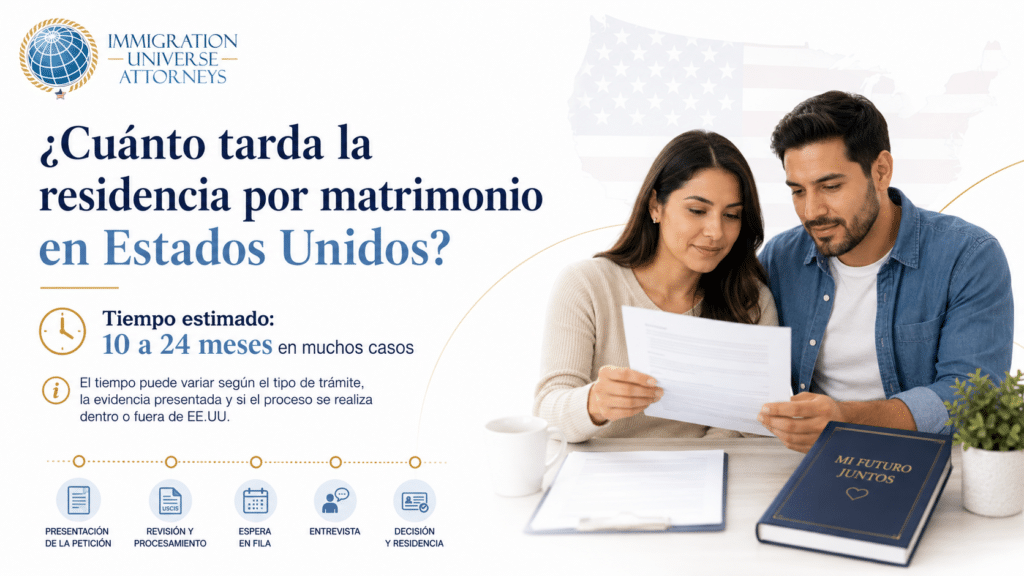
¿Cuánto tarda la residencia por matrimonio en Estados Unidos? La residencia por matrimonio puede tardar varios meses o más de

¿Cuánto tarda la residencia por matrimonio en Estados Unidos? La residencia por matrimonio puede tardar varios meses o más de

¿Cuánto tarda una petición familiar en 2026? Cuando una familia inicia una petición familiar, una de las primeras preguntas es
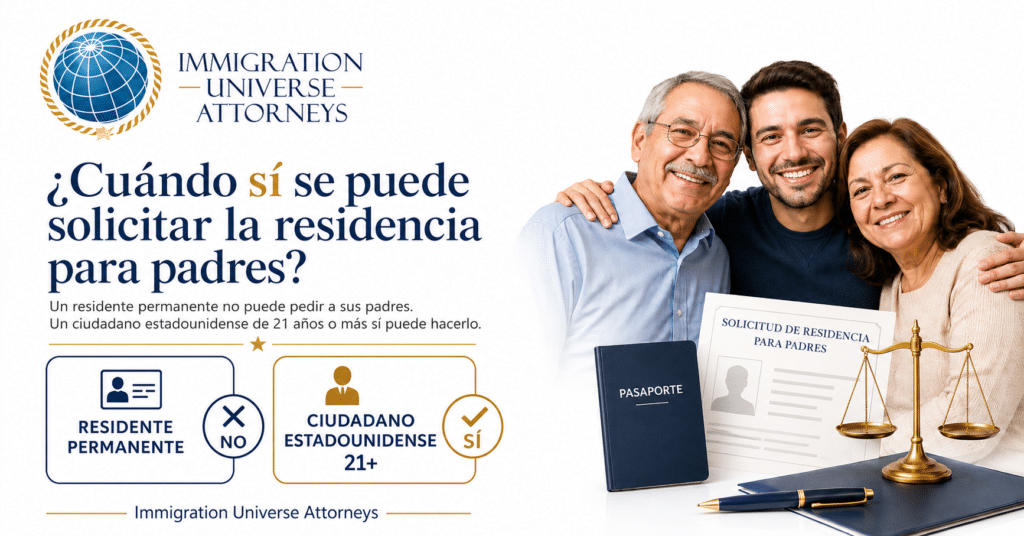
Conoce cuándo sí se puede solicitar la residencia para padres Cuando una persona obtiene su residencia permanente, una de sus
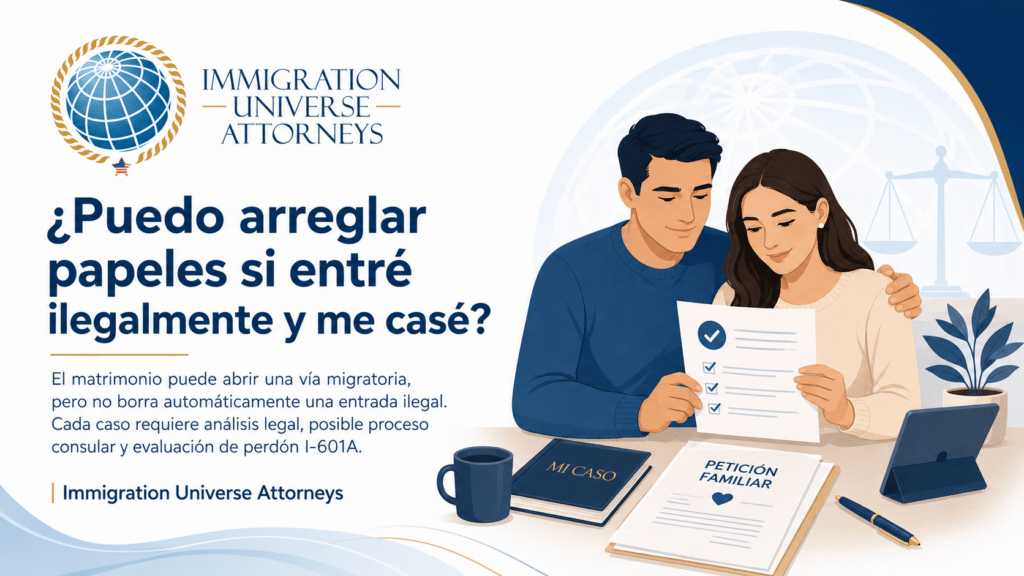
¿Puedo arreglar papeles si entré ilegalmente y me casé? Cuando una persona entra a Estados Unidos sin inspección y después
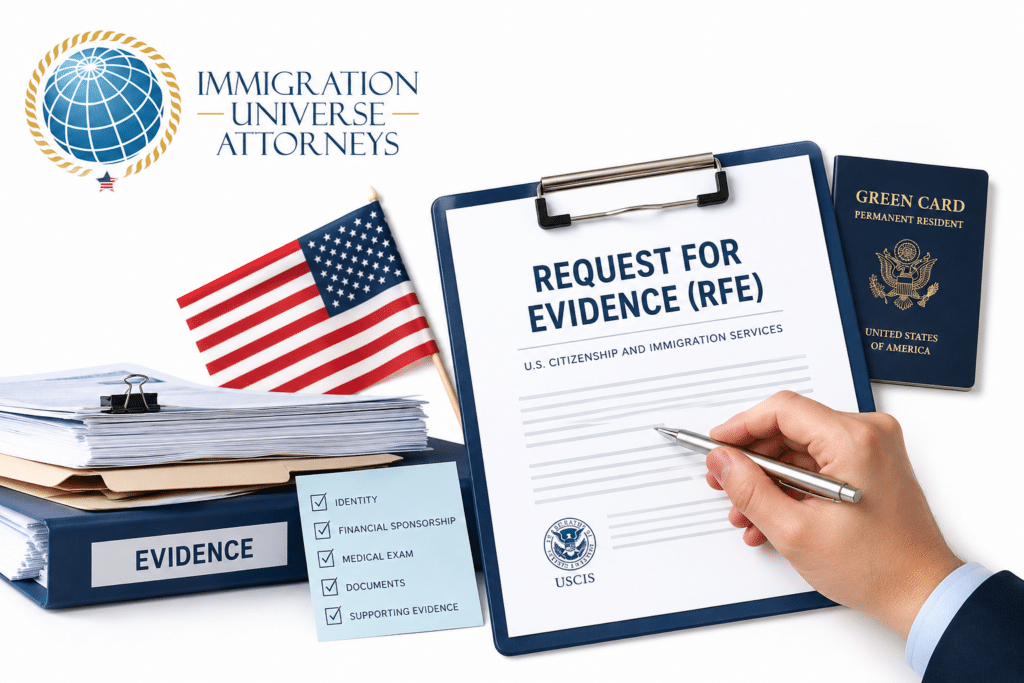
Qué hacer después de recibir un RFE de USCIS Recibir un RFE puede causar miedo, ansiedad y muchas preguntas. Sin

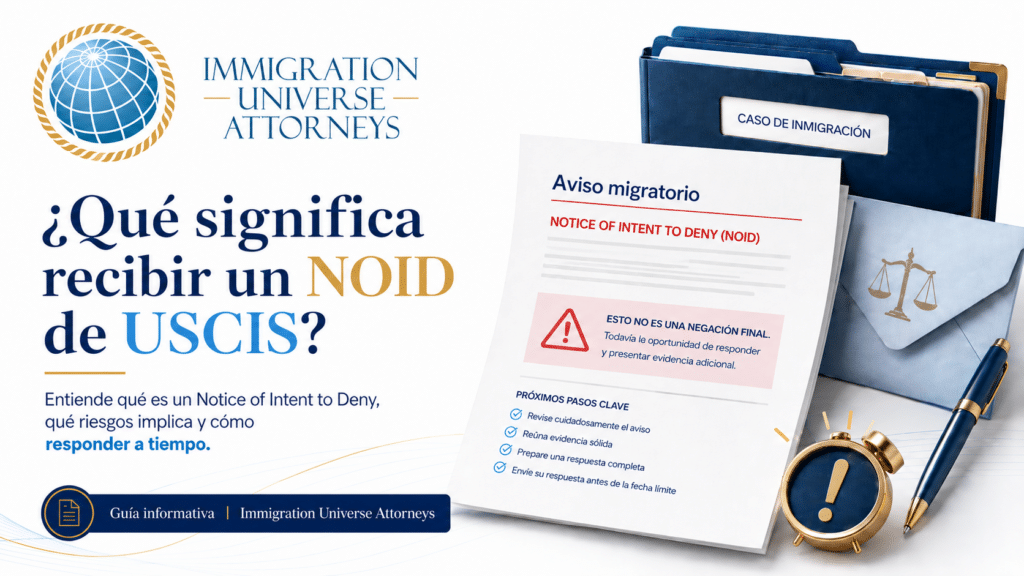
¿Qué significa recibir un NOID de USCIS? Recibir un NOID de USCIS puede causar miedo, dudas y mucha presión. Muchas

Diferencias entre petición de ciudadano y residente Las diferencias entre petición de ciudadano y residente pueden cambiar el tipo de

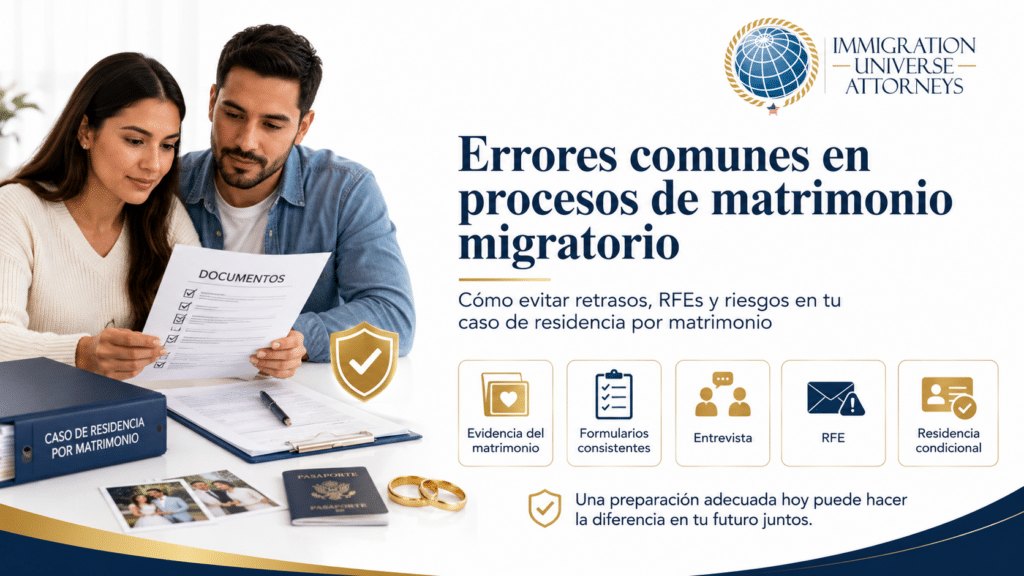
Errores comunes en procesos de matrimonio migratorio Cuando una pareja inicia un proceso migratorio por matrimonio, muchas veces piensa que
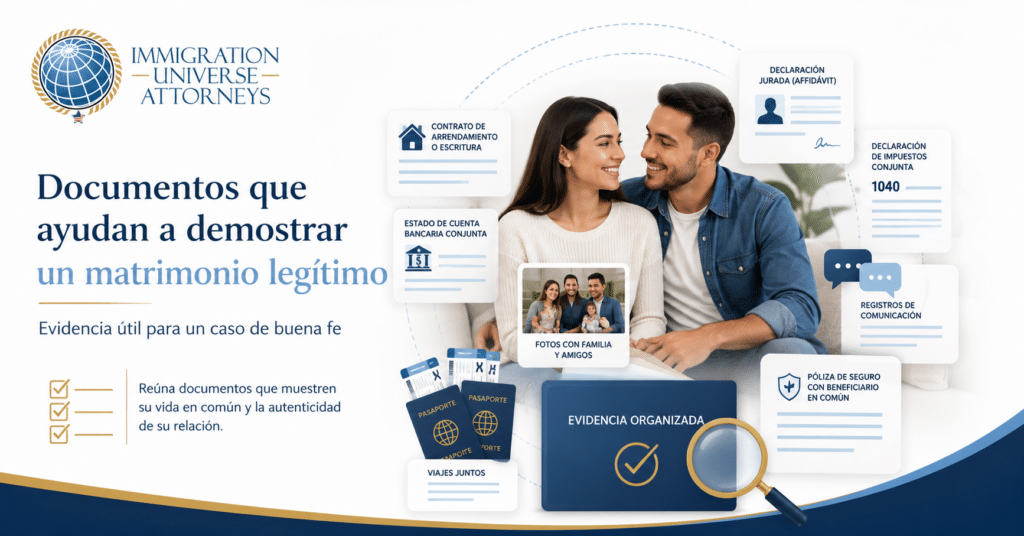
Prueba necesaria para demostrar matrimonio real ante inmigración Cuando una pareja inicia un proceso migratorio basado en matrimonio, una de

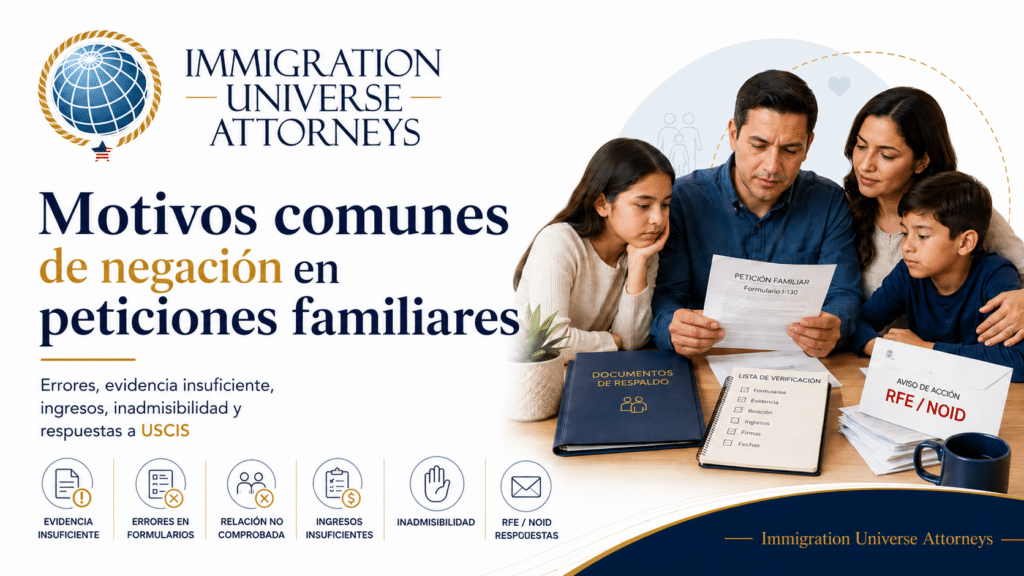
Motivos comunes de negación en peticiones familiares Cuando una familia inicia una petición migratoria, casi siempre existe una meta clara:
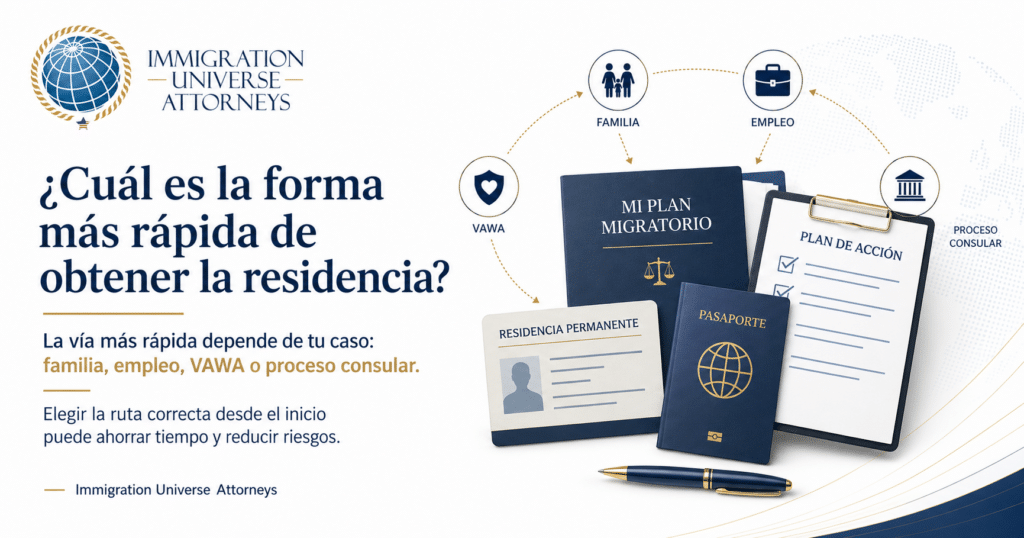
¿Cuál es la forma más rápida de obtener la residencia? Cuando una persona quiere vivir legalmente en Estados Unidos, una
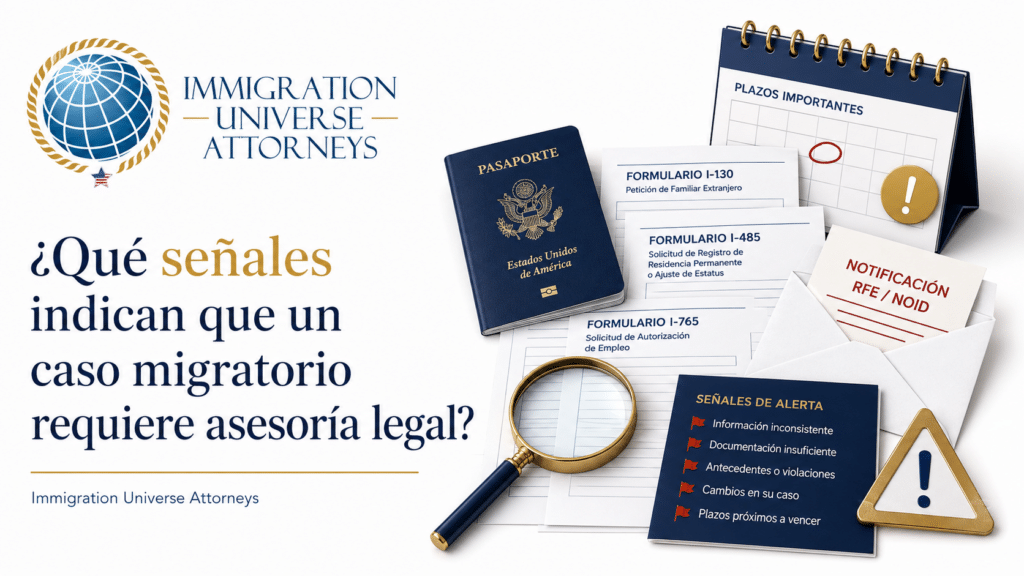
¿Cuándo debo contratar un abogado de inmigración? Cuando una persona inicia un proceso migratorio en Estados Unidos, una de las

¿Qué sucede si me niegan la Tarjeta Verde? Recibir una negación de Green Card puede sentirse como un golpe fuerte.

Beneficios de obtener la residencia permanente en Estados Unidos Cuando una persona piensa en vivir de forma estable en Estados

Cómo identificar fraudes migratorios y proteger tu caso Cuando una persona busca ayuda migratoria, muchas veces llega con miedo, dudas

Diferencias entre ajuste de estatus y proceso consular Cuando una persona busca obtener la residencia permanente en Estados Unidos, una

Preguntas que debes hacer antes de contratar un abogado de inmigración Contratar un abogado no debe ser una decisión tomada

Riesgos de trabajar con notarios o consultores migratorios Muchas personas buscan ayuda migratoria cuando sienten miedo, presión o urgencia. En

¿Puedo trabajar mientras espero mi perdón migratorio? Cuando una persona presenta un perdón migratorio, una de sus dudas más importantes

¿Qué pasa después de aprobar un perdón I-601? Cuando una persona recibe la aprobación de su perdón I-601, suele sentir

¿Quién califica para una exención por dificultades económicas? Cuando una persona enfrenta una causa de inadmisibilidad en Estados Unidos, una
Immigration Universe Attorneys
We firmly believe that the internet should be available and accessible to anyone, and are committed to providing a website that is accessible to the widest possible audience, regardless of circumstance and ability.
To fulfill this, we aim to adhere as strictly as possible to the World Wide Web Consortium’s (W3C) Web Content Accessibility Guidelines 2.1 (WCAG 2.1) at the AA level. These guidelines explain how to make web content accessible to people with a wide array of disabilities. Complying with those guidelines helps us ensure that the website is accessible to all people: blind people, people with motor impairments, visual impairment, cognitive disabilities, and more.
This website utilizes various technologies that are meant to make it as accessible as possible at all times. We utilize an accessibility interface that allows persons with specific disabilities to adjust the website’s UI (user interface) and design it to their personal needs.
Additionally, the website utilizes an AI-based application that runs in the background and optimizes its accessibility level constantly. This application remediates the website’s HTML, adapts Its functionality and behavior for screen-readers used by the blind users, and for keyboard functions used by individuals with motor impairments.
If you’ve found a malfunction or have ideas for improvement, we’ll be happy to hear from you. You can reach out to the website’s operators by using the following email
Our website implements the ARIA attributes (Accessible Rich Internet Applications) technique, alongside various different behavioral changes, to ensure blind users visiting with screen-readers are able to read, comprehend, and enjoy the website’s functions. As soon as a user with a screen-reader enters your site, they immediately receive a prompt to enter the Screen-Reader Profile so they can browse and operate your site effectively. Here’s how our website covers some of the most important screen-reader requirements, alongside console screenshots of code examples:
Screen-reader optimization: we run a background process that learns the website’s components from top to bottom, to ensure ongoing compliance even when updating the website. In this process, we provide screen-readers with meaningful data using the ARIA set of attributes. For example, we provide accurate form labels; descriptions for actionable icons (social media icons, search icons, cart icons, etc.); validation guidance for form inputs; element roles such as buttons, menus, modal dialogues (popups), and others. Additionally, the background process scans all the website’s images and provides an accurate and meaningful image-object-recognition-based description as an ALT (alternate text) tag for images that are not described. It will also extract texts that are embedded within the image, using an OCR (optical character recognition) technology. To turn on screen-reader adjustments at any time, users need only to press the Alt+1 keyboard combination. Screen-reader users also get automatic announcements to turn the Screen-reader mode on as soon as they enter the website.
These adjustments are compatible with all popular screen readers, including JAWS and NVDA.
Keyboard navigation optimization: The background process also adjusts the website’s HTML, and adds various behaviors using JavaScript code to make the website operable by the keyboard. This includes the ability to navigate the website using the Tab and Shift+Tab keys, operate dropdowns with the arrow keys, close them with Esc, trigger buttons and links using the Enter key, navigate between radio and checkbox elements using the arrow keys, and fill them in with the Spacebar or Enter key.Additionally, keyboard users will find quick-navigation and content-skip menus, available at any time by clicking Alt+1, or as the first elements of the site while navigating with the keyboard. The background process also handles triggered popups by moving the keyboard focus towards them as soon as they appear, and not allow the focus drift outside it.
Users can also use shortcuts such as “M” (menus), “H” (headings), “F” (forms), “B” (buttons), and “G” (graphics) to jump to specific elements.
We aim to support the widest array of browsers and assistive technologies as possible, so our users can choose the best fitting tools for them, with as few limitations as possible. Therefore, we have worked very hard to be able to support all major systems that comprise over 95% of the user market share including Google Chrome, Mozilla Firefox, Apple Safari, Opera and Microsoft Edge, JAWS and NVDA (screen readers).
Despite our very best efforts to allow anybody to adjust the website to their needs. There may still be pages or sections that are not fully accessible, are in the process of becoming accessible, or are lacking an adequate technological solution to make them accessible. Still, we are continually improving our accessibility, adding, updating and improving its options and features, and developing and adopting new technologies. All this is meant to reach the optimal level of accessibility, following technological advancements. For any assistance, please reach out to